
// Gear
Phono Preamps and Amplifiers for Turntables (Complete Guide)
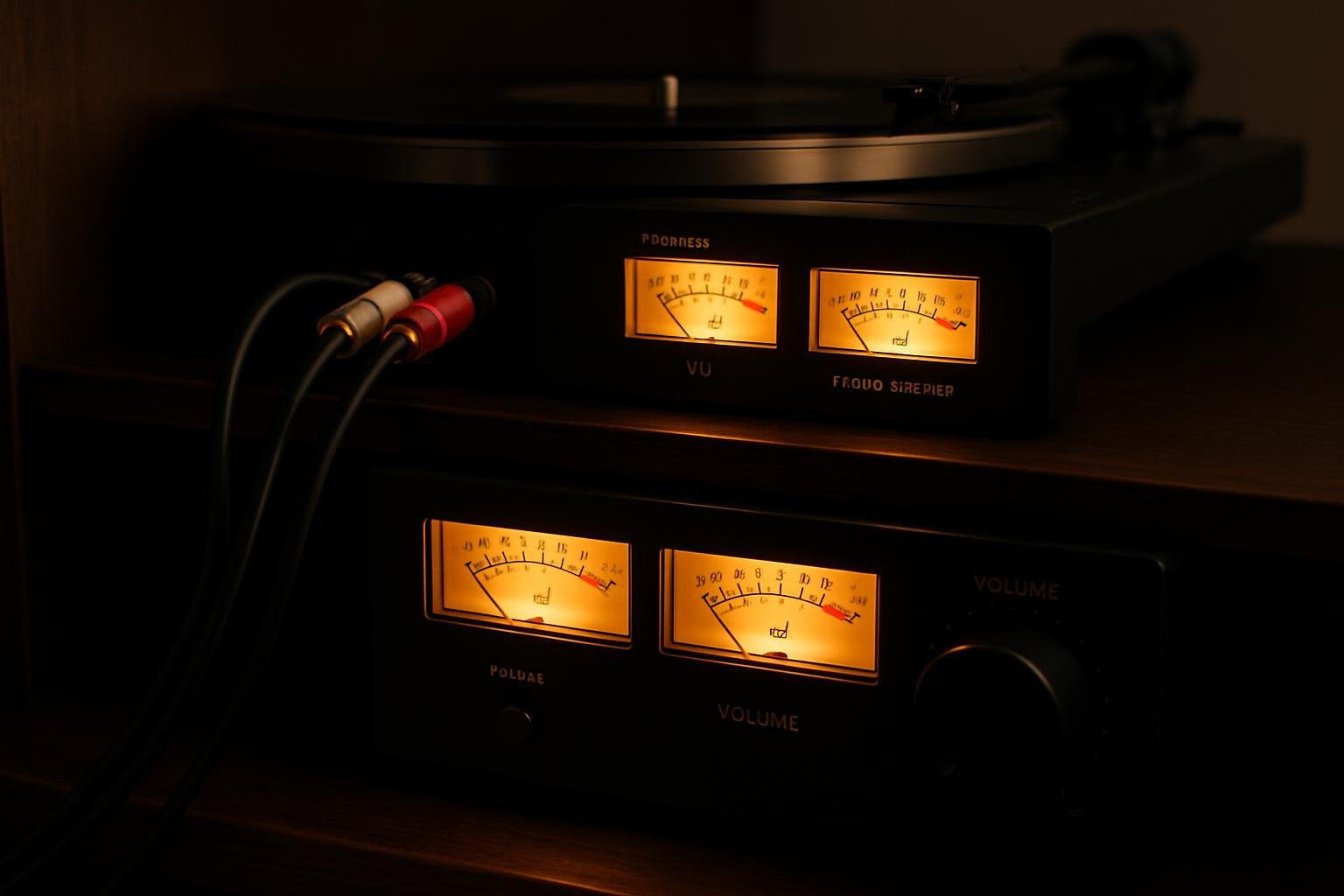
The Component Most Beginners Do Not Know They Need
Plug a turntable into an ordinary line input and it sounds thin, quiet and lifeless. Nothing is broken. The signal is simply missing the stage that makes vinyl playable.
A cartridge produces a few thousandths of a volt — roughly a hundred times weaker than a phone or a CD player. It also produces a signal that has been deliberately distorted at the cutting stage. A phono preamp fixes both, and without one a turntable is effectively unusable.
Understanding this one component explains most of the wiring confusion in vinyl setups, and prevents the two mistakes that account for nearly every "my turntable sounds wrong" question.
What a Phono Preamp Actually Does
It performs two jobs, and both are mandatory.
It amplifies. A moving-magnet cartridge outputs 3–6 mV. Line level is around 300–2,000 mV. The phono stage supplies the missing gain, quietly enough that it does not amplify its own noise along with the music.
It applies the RIAA curve. When a record is cut, bass is reduced and treble is boosted. This is not a design flaw — deep bass carries enormous energy, and cutting it at full level would produce grooves so wide the record could not hold a reasonable playing time, while boosting treble pushes quiet high-frequency content above the noise floor of the vinyl surface.
Playback has to reverse that curve exactly: bass restored, treble cut back. The correction spans roughly 40 dB from one end of the spectrum to the other. Skip it and you get the thin, bright, quiet sound that is the unmistakable signature of a turntable plugged into the wrong input.
Where the Phono Stage Might Already Be
Before buying anything, work out whether you already have one. There are four possibilities.
Built into the turntable. Many modern decks include a switchable phono stage, marked `PHONO / LINE` on the back. In `LINE` position the deck outputs line level and can feed any ordinary input. Convenient, and the quality is usually modest.
Built into the mixer. Every DJ mixer with inputs labelled `PHONO` has phono stages on those channels. This is the normal arrangement for a DJ setup and needs nothing extra.
Built into the amplifier. Older integrated amplifiers and receivers almost always have a `PHONO` input. Most modern ones do not — a change that catches out a lot of people inheriting a turntable.
A separate box. A standalone phono preamp sits between turntable and amplifier. This is the answer when nothing else in the chain has one.
The rule that prevents damage and confusion: exactly one phono stage in the chain. Running a turntable's built-in preamp into a mixer's phono input applies the RIAA curve twice — bass becomes enormous, treble disappears, and the signal is badly overloaded. If your deck has a `PHONO / LINE` switch and you are plugging into a DJ mixer, set it to `PHONO`.
Matching the Preamp to the Cartridge
Moving magnet cartridges work with any standard phono input. Gain of about 40 dB, loading of 47 kΩ — effectively universal, and nothing to configure.
Moving coil cartridges output five to twenty times less and need either a dedicated MC input (around 60 dB of gain) or a step-up transformer. Loading matters here too, typically 100–1,000 Ω depending on the cartridge.
Two failure modes, both common:
- MC cartridge into an MM input: far too quiet, and turning the volume up brings the hiss with it.
- MM cartridge into an MC input: grossly overloaded, distorted, unpleasant.
DJ setups are almost universally moving magnet, so this is mostly a hi-fi concern — but it is worth knowing before buying a cartridge that your mixer cannot drive. Our guide to cartridges and styli covers why DJs stay with MM.
Amplification: Three Ways to Get There
Once the signal is at line level, something has to drive the speakers.
Powered speakers. The amplifier lives inside each cabinet. Feed them line level and you are done. For a DJ setup this is the default, and it is the reason most people never buy an amplifier at all — see our guide to speakers for a DJ setup.
Integrated amplifier. One box holding a preamp, source switching, volume and power amplification, driving passive speakers. The traditional hi-fi arrangement, and the natural choice if you already own passive speakers.
Separates. A preamp and a power amp in separate boxes. More flexible, more expensive, more cables, and beyond what a DJ setup needs.
| Powered speakers | Integrated amp | Separates | |
|---|---|---|---|
| Boxes | 2 | 3 (amp + 2 speakers) | 4+ |
| Matching | Done for you | Amp to speakers | Every stage |
| Typical DJ use | Standard | Uncommon | Rare |
Power, Sensitivity and Impedance
If you do go passive, three numbers have to agree.
Impedance is the electrical resistance the speaker presents, in ohms — usually 4, 6 or 8. The amplifier must be rated for it. Driving a 4-ohm speaker from an amp rated only to 8 ohms makes it run hot and, if pushed, fail.
Sensitivity is how loud a speaker plays for a given power, quoted in dB at one watt and one metre. It matters more than the wattage figure people fixate on. A 3 dB sensitivity difference is equivalent to doubling amplifier power — so a 90 dB speaker on 50 watts plays as loud as an 87 dB speaker on 100.
Power should comfortably exceed what you need. Not because loud requires huge wattage, but because an underpowered amplifier driven into clipping is what destroys tweeters. A clipped waveform delivers far more sustained high-frequency energy than the driver was designed to dissipate. More amplifier headroom used sensibly is safer for the speakers than a small amp pushed hard.
For a room-sized system, 30–60 watts per channel into reasonably sensitive speakers is ample. Numbers well beyond that buy headroom, not volume.
Amplifier Classes, Briefly
Class A conducts continuously. Excellent linearity, poor efficiency, runs hot. Rare and expensive.
Class AB is the traditional hi-fi compromise — good linearity, moderate efficiency. Most integrated amplifiers.
Class D switches rapidly rather than conducting continuously. Highly efficient, cool, compact. Modern implementations are excellent and this is what sits inside nearly all powered speakers and PA amplifiers.
The practical guidance: class is not a proxy for quality. A well-designed class D amplifier outperforms a poorly designed class AB one. Choose on measured performance, power appropriate to your speakers, and having the inputs you need.
Gain Staging Through the Whole Chain
Every stage adds noise and has a ceiling. Getting the levels right through the chain matters more than any single component.
Set them in order:
1. Cartridge to phono stage — fixed, nothing to set.
2. Channel gain on the mixer — set per record so the meter peaks near 0 with the fader up. Vinyl pressings vary hugely in level, so this is a per-record adjustment.
3. Master out — leave headroom; do not run it into the red.
4. Amplifier or powered-speaker volume — set once so that a sensible master level produces a sensible listening level, then leave it.
The two failure modes are mirror images. Mixer low, amplifier high amplifies the mixer's noise floor and you hear hiss between tracks. Mixer high, amplifier low clips the mixer before the amplifier is doing any work. Both stages should operate in their middle range.
Hum, Buzz and How to Kill It
Turntables hum more readily than any other source, because that tiny cartridge output is easily swamped.
Connect the ground wire. Every turntable has a thin separate wire — not part of the RCA cables — that fastens to the grounding post on the mixer, amplifier or phono preamp. A missing ground connection is the cause of most hum, and connecting it usually silences it instantly.
Move the turntable away from power supplies. Transformers radiate a field that the cartridge picks up directly. A deck sitting next to an amplifier or a wall-wart is asking for hum, and moving it 30 cm often solves what no amount of rewiring will.
Reseat the RCA plugs. A partially inserted connector loses its earth contact and hums identically to a missing ground wire.
If hum appears only when a laptop is connected, you have a ground loop — two paths to earth. A ground-loop isolator on that connection resolves it.
If hum persists with everything grounded, try a different mains socket, ideally on the same circuit as the rest of the system.
Common Wiring Mistakes
Thin, quiet, bright sound. Turntable is in a line input with no phono stage anywhere. The single most common vinyl problem there is.
Enormous bass, no treble, distorted. Two phono stages in series. Switch the deck to `LINE`, or move to a non-phono input on the mixer.
One channel silent. Usually a headshell wire, occasionally a cable. Swap the left and right RCAs at the mixer: if the silence moves, the fault is upstream of the mixer.
Speaker crackles when you touch the tonearm. Grounding.
Everything distorts at moderate volume. Gain staging — most likely channel gain set from a quiet record and never reset for a loud one.
What to Actually Buy
If you have a DJ mixer, you already have phono stages. Add powered speakers and the chain is complete. Nothing else is required.
If you have a turntable and powered speakers but no mixer, you need a phono stage. Use the deck's built-in one if it has a `PHONO / LINE` switch; otherwise a standalone preamp in the $50–150 range is entirely adequate for a moving-magnet cartridge.
If you have passive speakers, an integrated amplifier with a `PHONO` input handles everything in one box, and second-hand hi-fi amplifiers from the era when phono inputs were standard are excellent value.
Do not spend heavily on a phono preamp with a modest cartridge. The chain is limited by whatever reads the groove. A better stylus on a $60 preamp will beat a worn stylus on a $600 one, every time.
Once the signal chain is right and you are recording sets, 45 Mix Trackr identifies every track in the mix and returns the tracklist, album covers and an SRT subtitle file — so the setup work also gets the records properly credited when you publish.
SH
SH is a New York–based designer who DJs vinyl and built 45 Mix Trackr after spending too many hours identifying his own mixes by hand. He records, edits and publishes mixes every month, and writes these guides from that workflow. More about 45 Mix Trackr
// Try it
Identify your DJ mix
Upload any audio or video mix and get a full tracklist with song titles, artists, and album covers in minutes.
Identify a mix →